Usage Example#
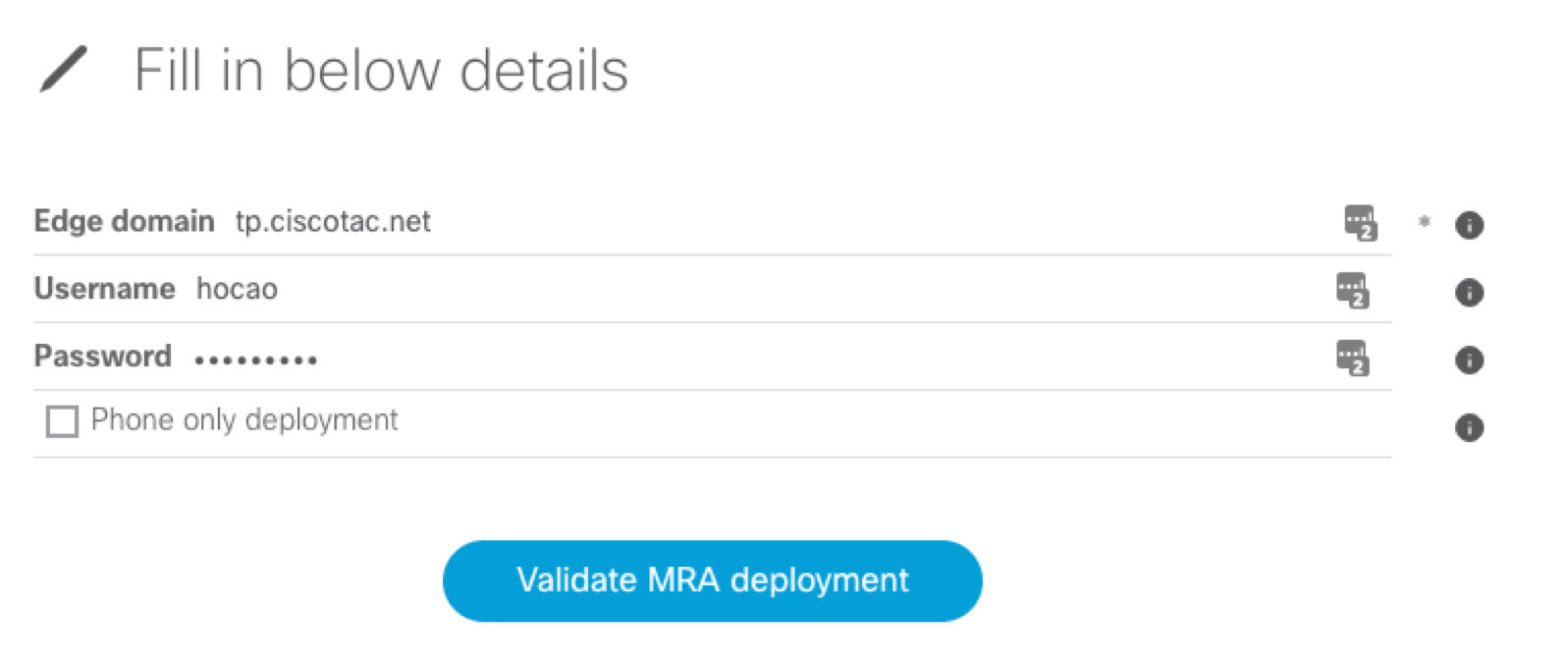
In this example, we will use the domain tp.ciscotac.net with test credentials to demonstrate how CollabEdge Validator works.
The tool will be able to retrieve the user and device configuration from UCM, attempt to authenticate against IM&P and register an associated device.
If you have a phone only deployment, tick the checkbox and the IM&P checks will be skipped.
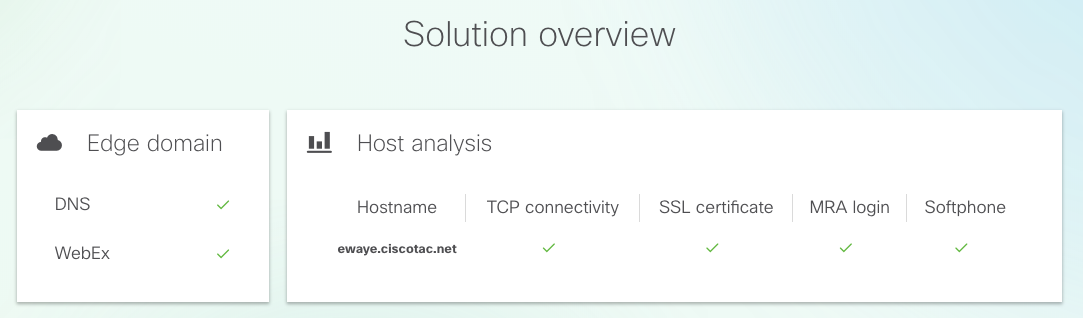
Sample output with 3 tabs being displayed:
Edge Domain and hosts - SRV, TCP and certificate checks for the edge domain and hosts discovered with DNS.
User Login - MRA Login simulation.
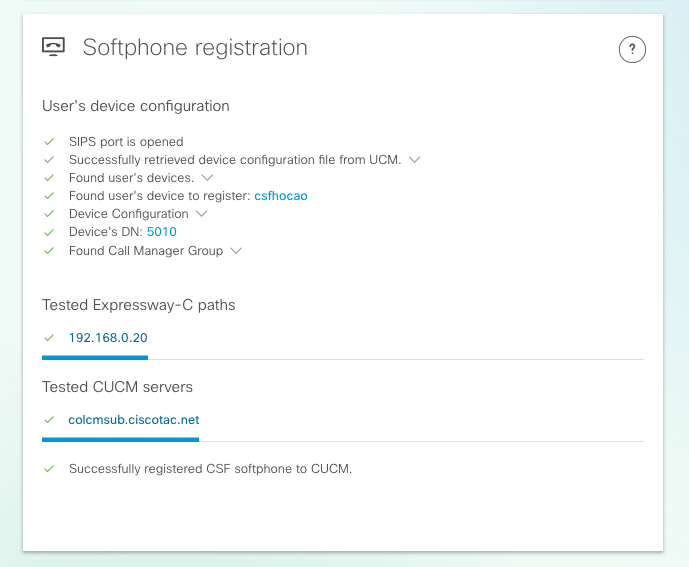
Softphone registration - MRA Softphone registration simulation.
Below we explore each tab in details.
Edge Domain and hosts#
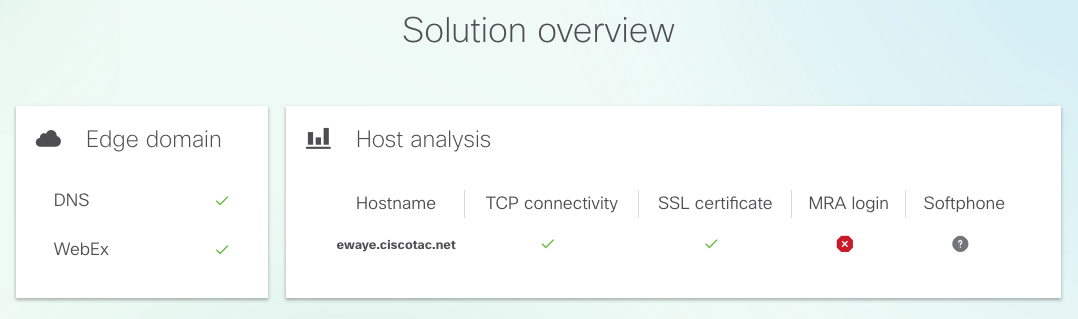
This tab provides an overview of the SRV records, TCP connectivity, and certificate checks for the edge domain and hosts discovered via DNS.
Any failures are immediately highlighted, indicating which section is affected. Further details can be found in the corresponding section below.
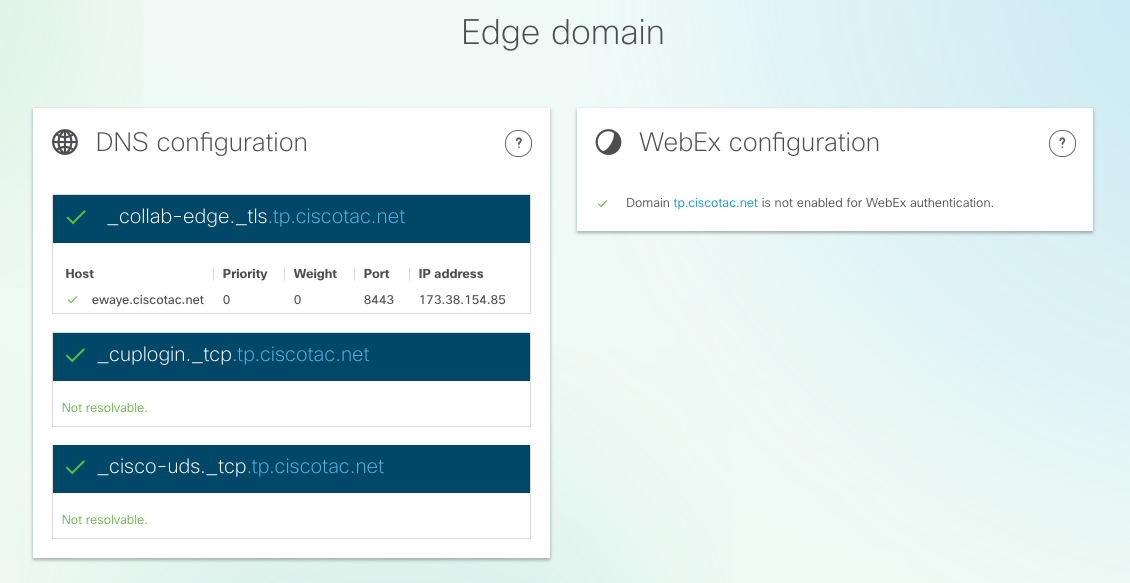
DNS configuration
In the edge DNS configuration all details are displayed with regards to DNS records discovered for the provided domain, including the ones for Expressway-E discovery, UCM and IM&P server discovery.
Expressway Edge Hosts
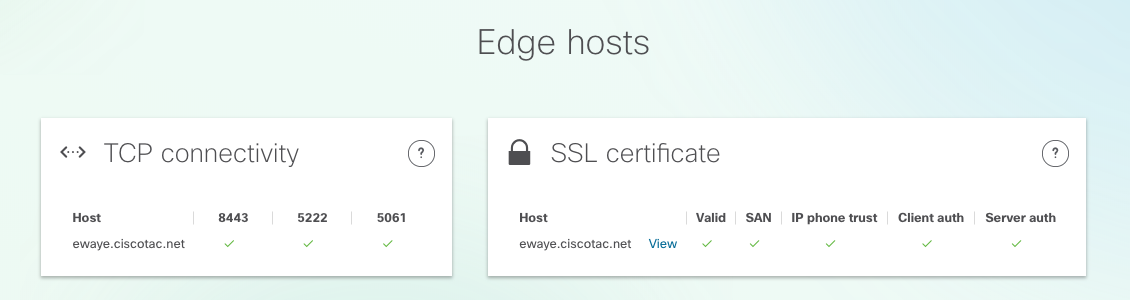
This section shows details about the TCP connectivity and Exp-E SSL certificate checks for each host discovered with the DNS records. Hover over each of the validation points to check the validation results and further details.
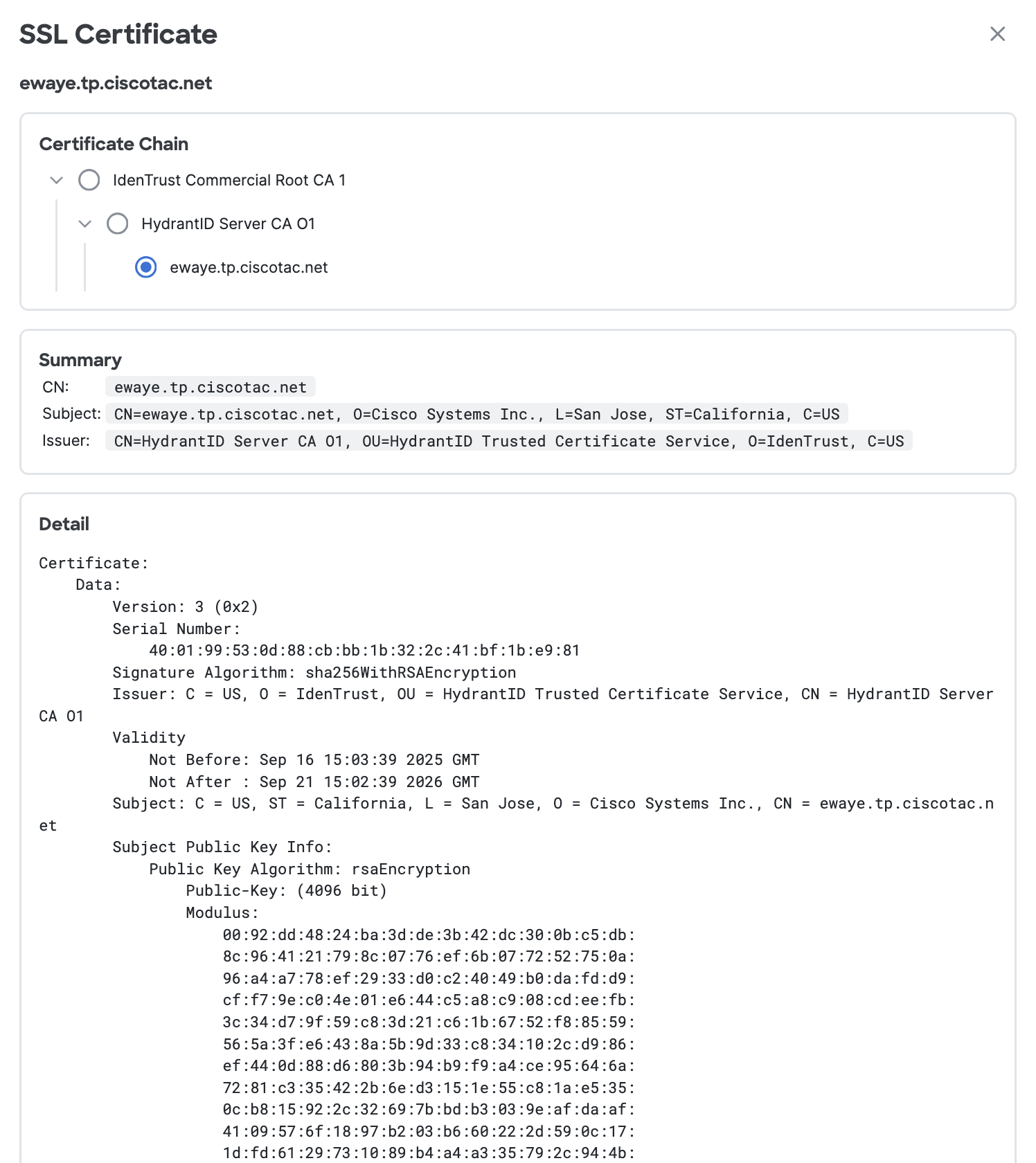
Click View in the Certificate column to see the full certificate chain for that host.
User Login#
This tab provides an overview of checks during simulated MRA Login for the provided user.
Edge Servers
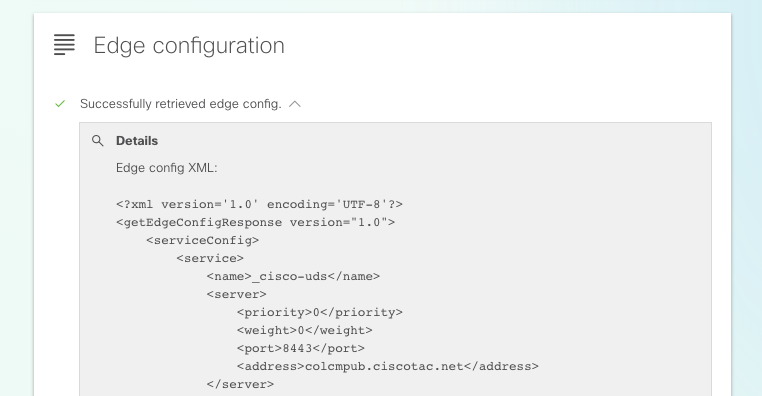
This section shows details about the information returned by fetching the edge config, this is done for every Expr-E discovered by DNS.
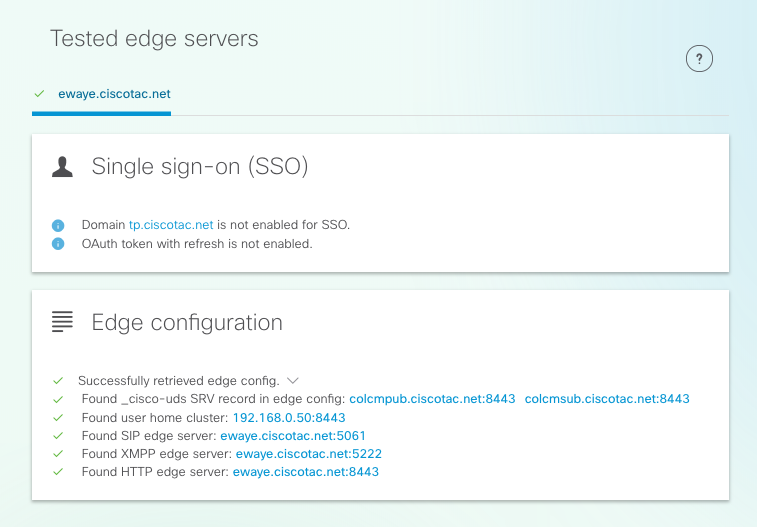
The full content of the response can be expanded as well
UDS Severs
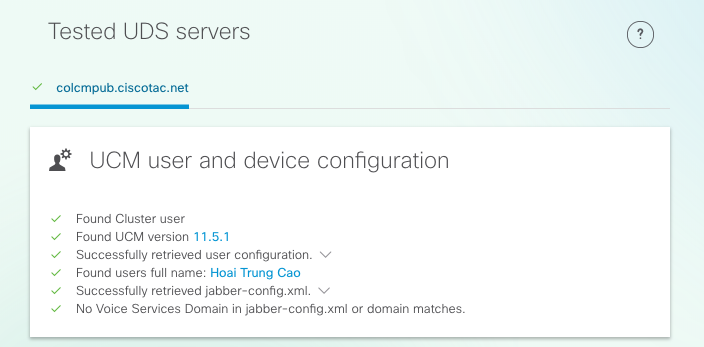
For each edge server which can be selected in the section above the UDS servers which were returned in the get_edge_config are tested one by one until either a working one is found or all of them fail. The full content of the response can be expanded here as well, by pressing the “View Detail” buttons.
IM&P Severs
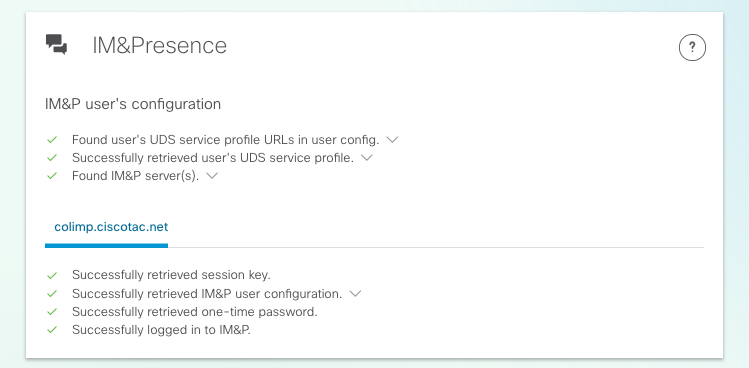
For each edge server which can be selected in the Edge Server section, the IM&P servers (fetched from the service profile) are tested one by one until either a working one is found or all fail. The full content of the response can be expanded, by pressing the “View Detail” button.
Softphone registration#
For each edge server discovered, softphone registration is tested. The softphone type is selected and tested based on the user’s associated devices, in this priority order:
CSF (top priority)
BOT
TCT
TAB
Each combination of Exp-C server (from get_edge_config) and Unified CM server (from the CUCM Group) is tested in sequence until one succeeds or all options are exhausted.